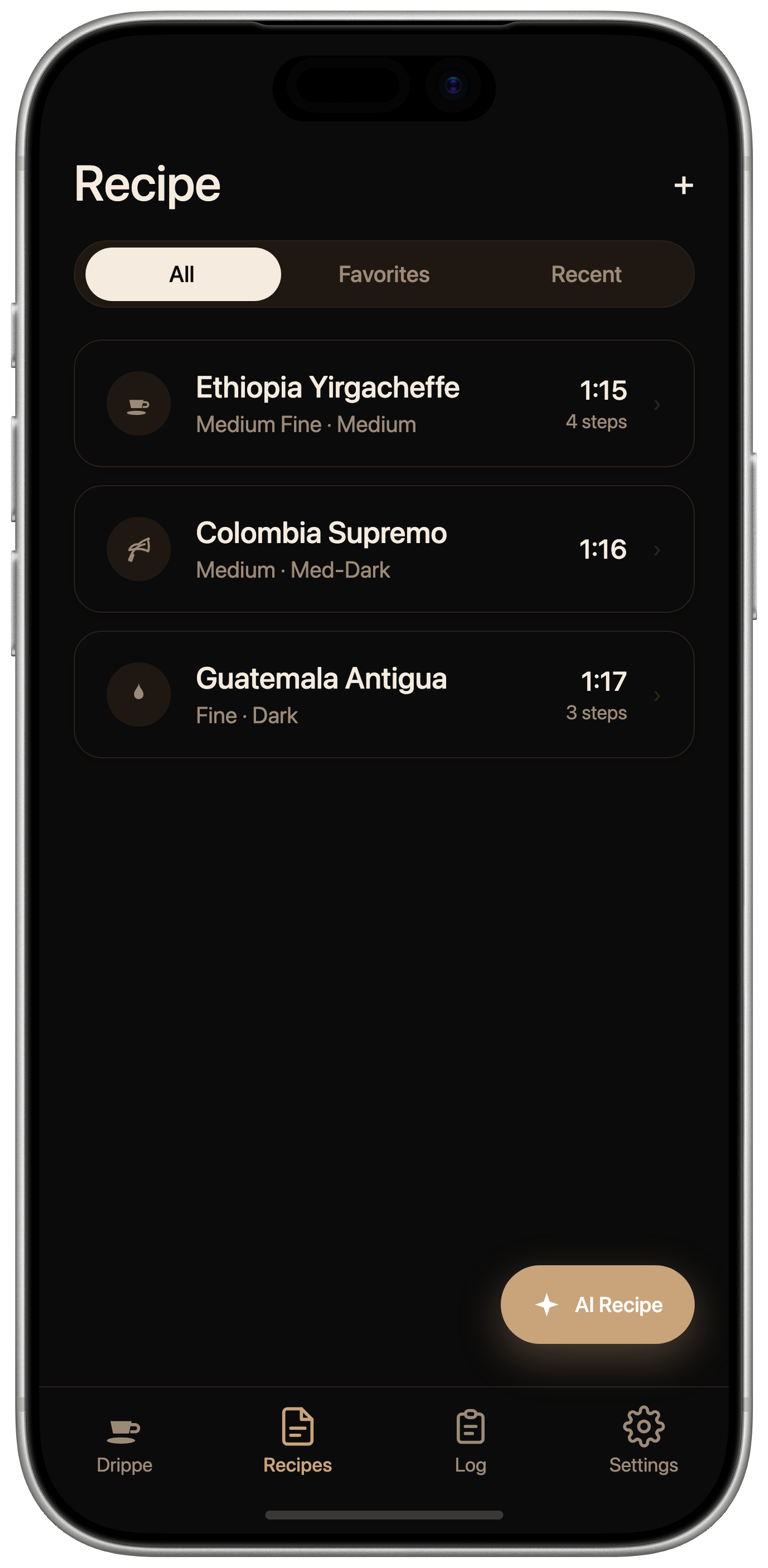
Time your pour, log it, and dial in the next cup.
A pour-over coffee app for enjoying your favorite beans to the very last.
Drippe is a pour-over coffee app for finishing the beans you bought, deliciously. Brew without second-guessing, log the cups you love, and dial in the next one to taste even better.
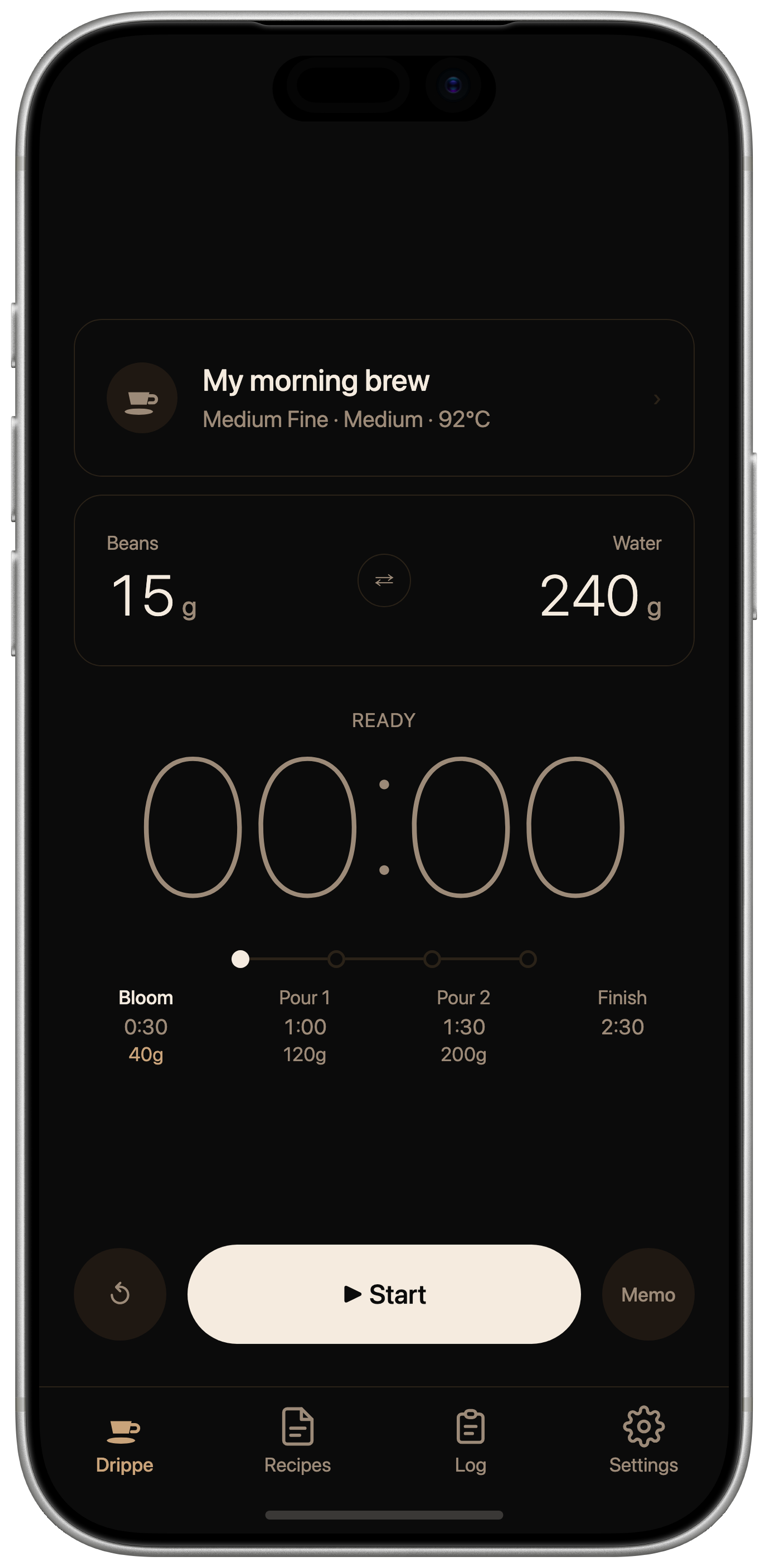
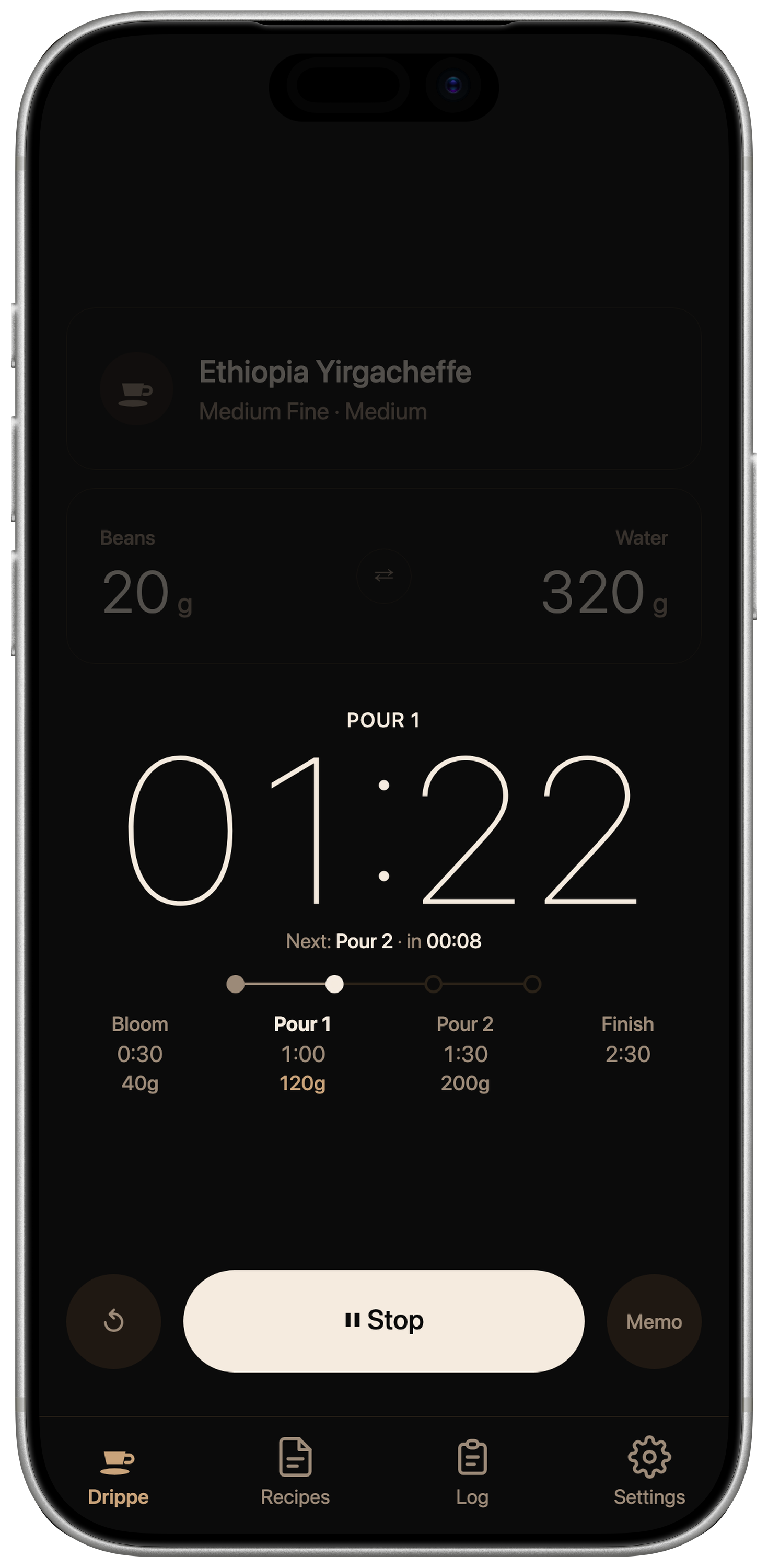
Follow each pour with a clean coffee timer that shows the next step, remaining time, and target water amount at a glance.
Build a personal coffee recipe library with brew logs, iCloud sync, and share cards for the cups you want to repeat.
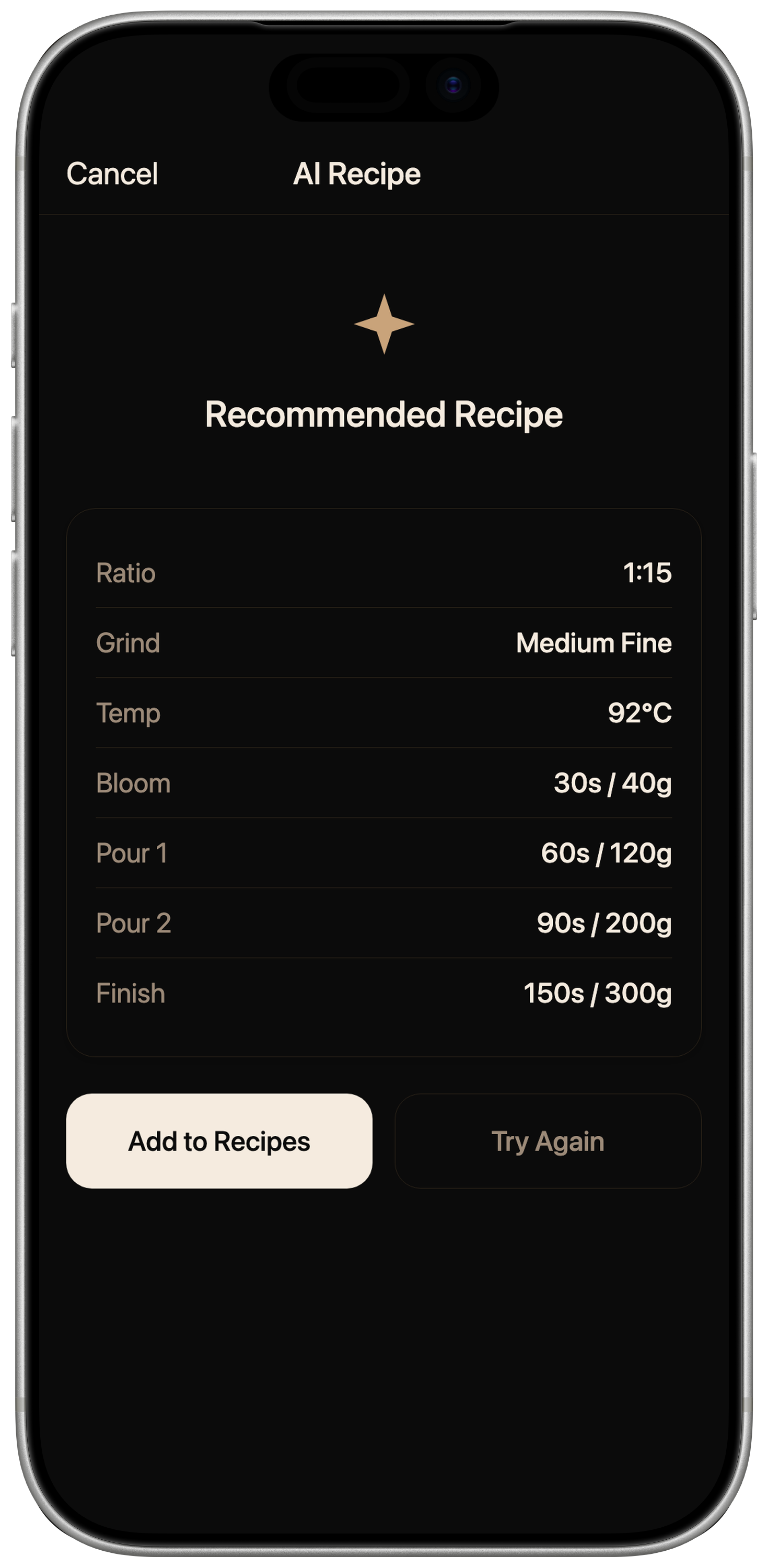
Start from your taste notes and brew history — AI helps you dial in the next cup to taste even better.
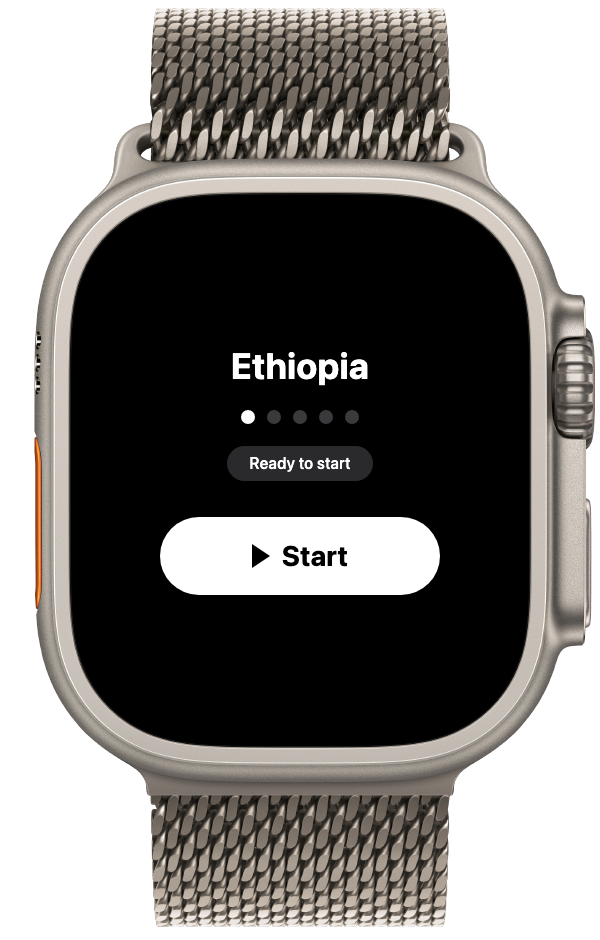
From bloom to drawdown, Drippe keeps your pour-over recipe easy to follow with large timing, target water, and step-by-step guidance. Apple Watch controls let you brew hands-free at the counter.
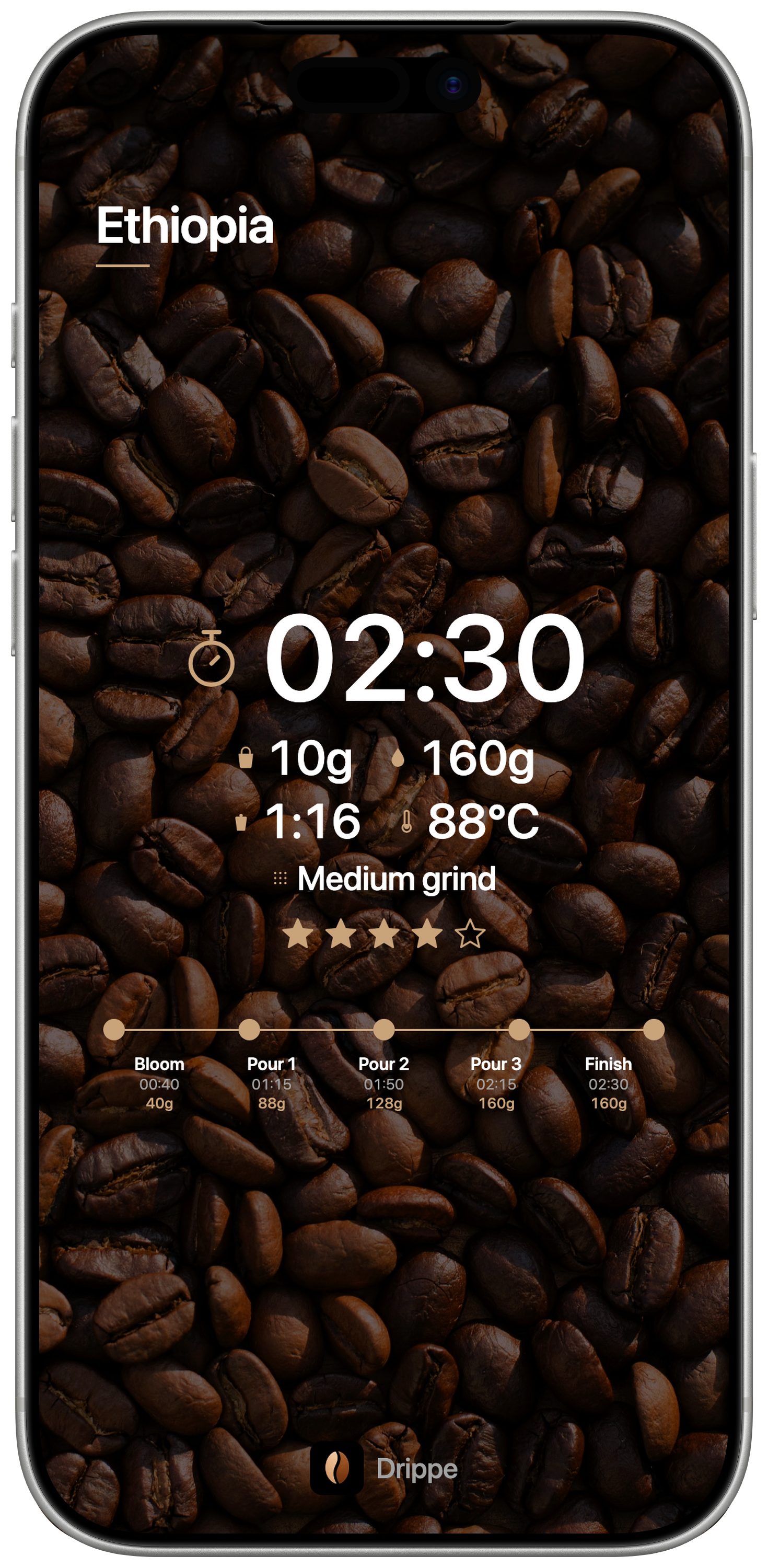
Keep beans, grind size, water amount, pour steps, brew time, and ratings together. Your coffee brew log syncs with iCloud and can turn into a share card for Photos or Instagram Stories.
Describe the flavor you want, and Drippe dials in the ratio, grind size, water temperature, bloom, and pour steps. The more you log, the clearer your next adjustment.
Large timing, clear steps, saved recipes, and dark-mode screens designed for the counter.
Free to download for iPhone. Apple Watch support and iCloud sync are built in.
Yes. The brew timer, brew log, up to 3 saved recipes, and 1 AI dial-in per month are free. Drippe Pro includes unlimited recipes plus 3 AI dial-ins per month, while Drippe Premium includes unlimited AI dial-in.
Drippe is designed for paper pour-over coffee and supports both conical and flat-bottom drippers. Step count and water volume are customizable per recipe.
Yes. Drippe works as a coffee brewing app for V60, Kalita Wave, and other pour-over drippers, combining a brew timer, saved recipes, and brew logs in one coffee recipe app.
Yes. Drippe is a pour-over coffee app that combines a guided brew timer, recipe saving, and brew logs. You can follow each pour step, track coffee dose, water amount, brew time, and ratings, then adjust the next cup.
Yes. Paired with your iPhone, you can start, advance, and stop brewing right from Apple Watch. Each step's remaining time and the next action live on your wrist, so you never need to glance at your iPhone mid-pour.
Yes. After finishing a brew, Drippe can create a 9:16 share card with the recipe name, brew time, coffee dose, water amount, ratio, and rating. Choose the default design, a photo from your library, or a camera photo, then save it to Photos or share it to Instagram Stories.
Yes. iCloud sync is supported. Recipes and brew logs sync automatically across devices signed into the same Apple ID, and carry over seamlessly when you switch devices.
Yes. Drippe supports both light and dark modes, switching automatically to match your system theme. In the dark, it shifts to deep tones that stay easy on the eyes.
Yes, cancel anytime from App Store subscription settings. You'll keep access until the next renewal date.